
Technical Support
Try the technical guides or email your issue before calling the helpdesk. For urgent help, call 6202 1260 (Mon–Fri, 9am–4.30pm) or contact IT staff at the ICT Office.
Users are encouraged to take the following steps before calling helpdesk:
(1) Troubleshoot your problem by referring to the relevant Technical Guide provided in the links below
(2) Email a description of the technical problem you are facing or a snapshot of the error message on your screen
Helpdesk
Operating Hours: Mon - Fri, 9 am to 4.30 pm
Hotline: 6202 1260
Contact Person: Ask for IT personnel
Email Address: peicai_ss@moe.edu.sg (opens in new tab)
Students can now reset their own MIMS password by performing a one-time set up of answers to 3-security challenge questions. Please follow the instructions found here (LINK (opens in new tab)) to do so. If you are unable to perform the set-up or your MIMS account is locked, please contact your Form-teacher(s) or IT personnel at the ICT Office inside The Sphere (Library, Level 3).
Technical Support
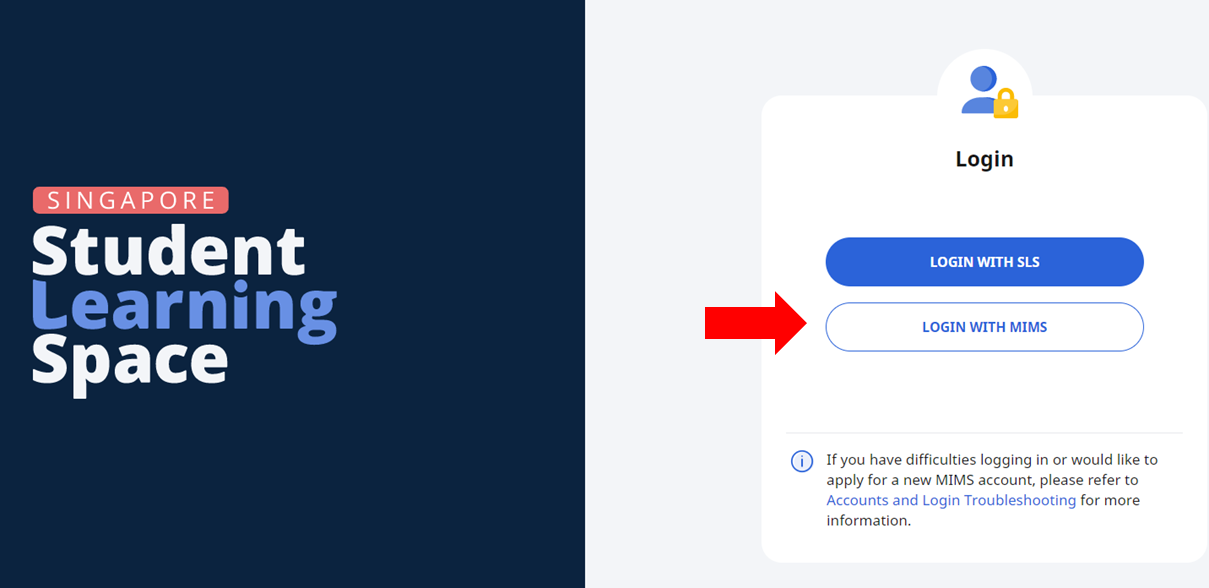
Please login to SLS using your MIMS credentials.
Students can now reset their own MIMS password by performing a one-time set up of answers to 3-security challenge questions. Please follow the instructions found here to do so. If you are unable to perform the set-up or your MIMS account is locked, please contact your Form-teacher(s) or IT personnel at ICT Office Library (B3-02) .